The mockup engine by URL
Generate realistic mockups.
From your images.
Import an image of your template. Draw the areas to personalize. Send your visuals by URL: the engine inserts them into the scene, with the template's perspective and masks.
Your own templates
Render by URL
Model configuration · just once
One leaflet. One photo. One portrait.
Two zones on the same document: the property photo and the round agent portrait. You prepare the template once.
Template editor
template
mK7p2
1
Import the document
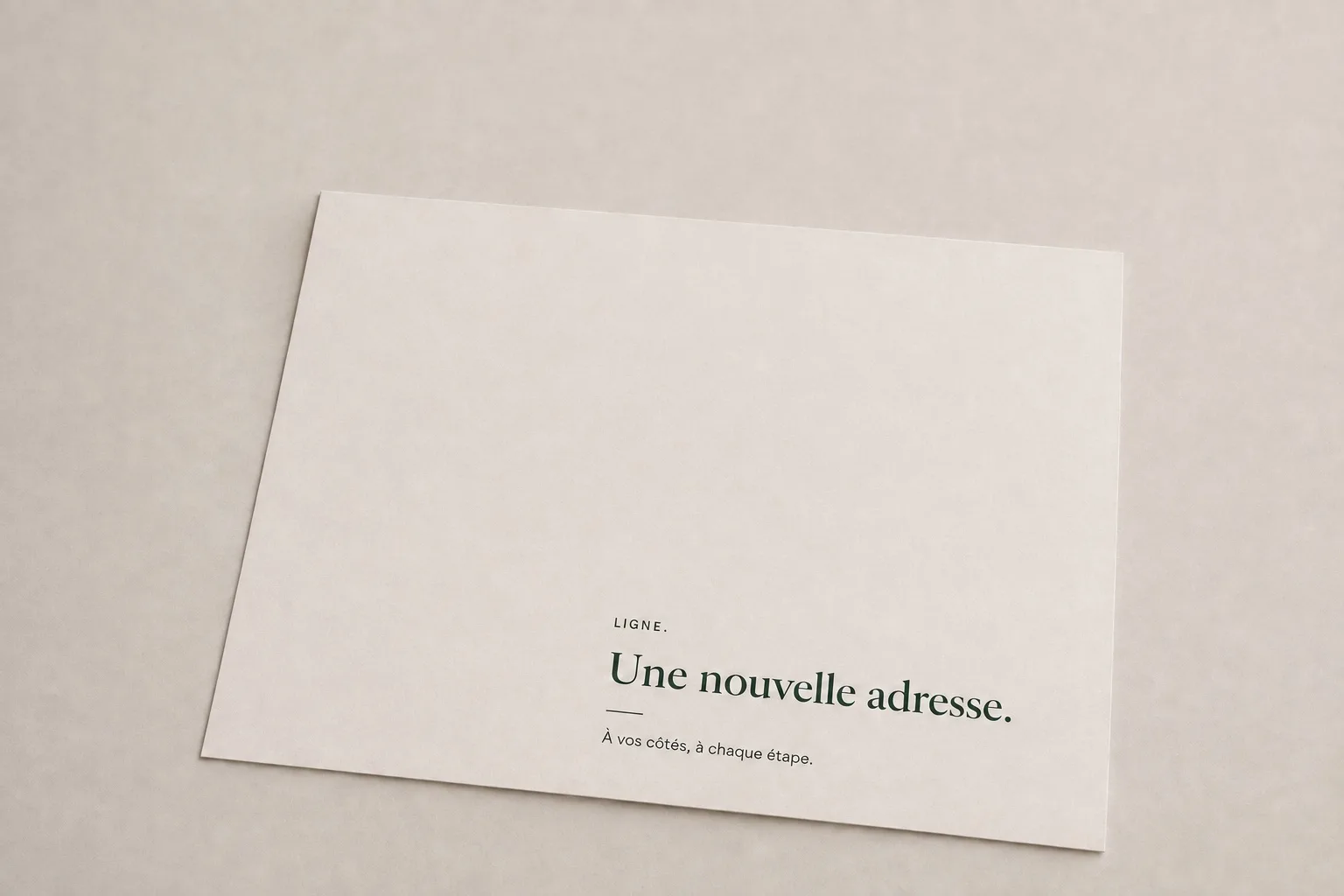
leaflet-immobilier.png
A leaflet · two slots
Your scene composition, your text, and your branding.
This document is used as a base for all outputs.
This document is used as a base for all outputs.
Sample document uploaded
2
Draw the zones
Zone
Circle
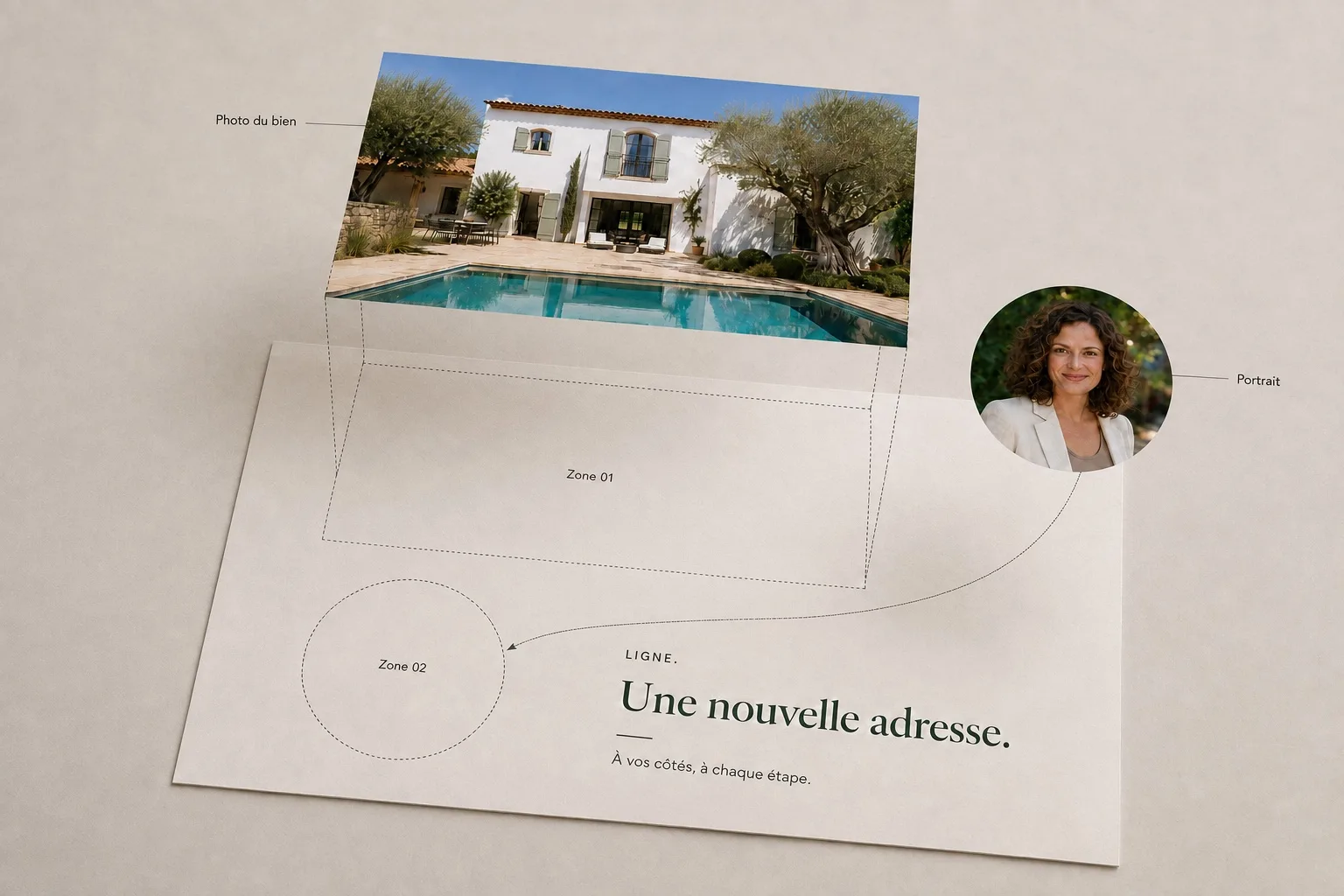
The images are assigned to their zones
Illustration
Template zones
01 · Property image
Four points
Transformed into perspective
Transformed into perspective
image_1 → zone_1
02 · Portrait
Circular mask
Position and size
Position and size
image_2 → zone_2
One template = one base document + one or more zones. Each zone receives an image.
Call this template by URL
Interactive editor diagram · sample template, no saved configuration.
03 — Call the template from your application
The template URL.
Your image URLs.
Your application calls the template by adding the image addresses. The first URL feeds the first area, the second URL the second area. The HTTP response is the composed image.
Images to send

Image URL 1 → Zone 01
https://images.example.invalid/villa.jpg

Image URL 2 → Zone 02
https://images.example.invalid/clara.jpg
GET
Generation URL
https://mockupgenerator.io/mockups/generator/mK7p2/https://images.example.invalid/villa.jpg,https://images.example.invalid/clara.jpg
Same template.
Different images.
Different images.
Choose an image set, then simulate the run.
Response: your mockup
PREVIEW · SET A
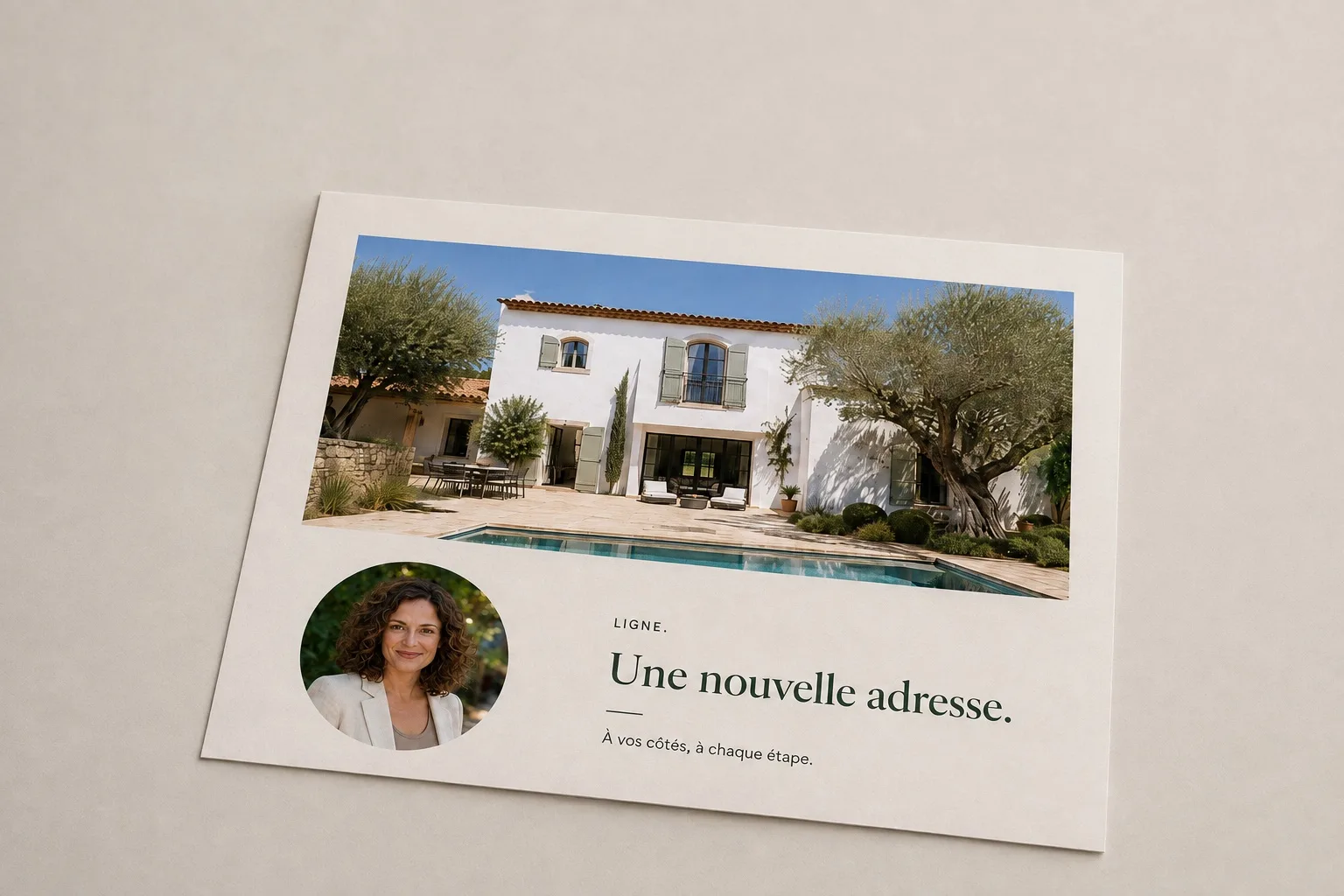
The background stays intact. Images are placed and transformed in the template zones, with the defined perspective and mask.
A URL usable as an image source.
On a web page, a product sheet, or an email
<img> tag. If no image URL is added, the template URL returns the original document.Local simulation · fake IDs and image URLs · no request sent to the engine.
Use case · personalized emails
The same mechanics,
in your emails.
Your marketing tool builds a render URL for each recipient and uses it as the image source in the email. The message displays a template composed of the recipient's own visuals.
A new property is published.
Your app retrieves the listing photo, the agent's portrait, and the template linked to the brand.
Your business application
The mockup is generated.
The URL links the campaign template to the property photo and the portrait. The engine returns the composed image.
mockupgenerator
Your tool sends the email.
The client discovers a pre-personalized template, with a link to order it from your shop.
Your email tool → your marketplace
mockupgenerator creates the images. The texts, recipients, and delivery remain managed by your marketing tool.
The same template, before and after composition.
Preview of a personalized email
Subject
Your new property deserves to be seen.
y.
Your real estate shop
To: Camille Dubois
Hello Camille,
Your new listing is online. Here is your personalized card, ready to be showcased in our shop.
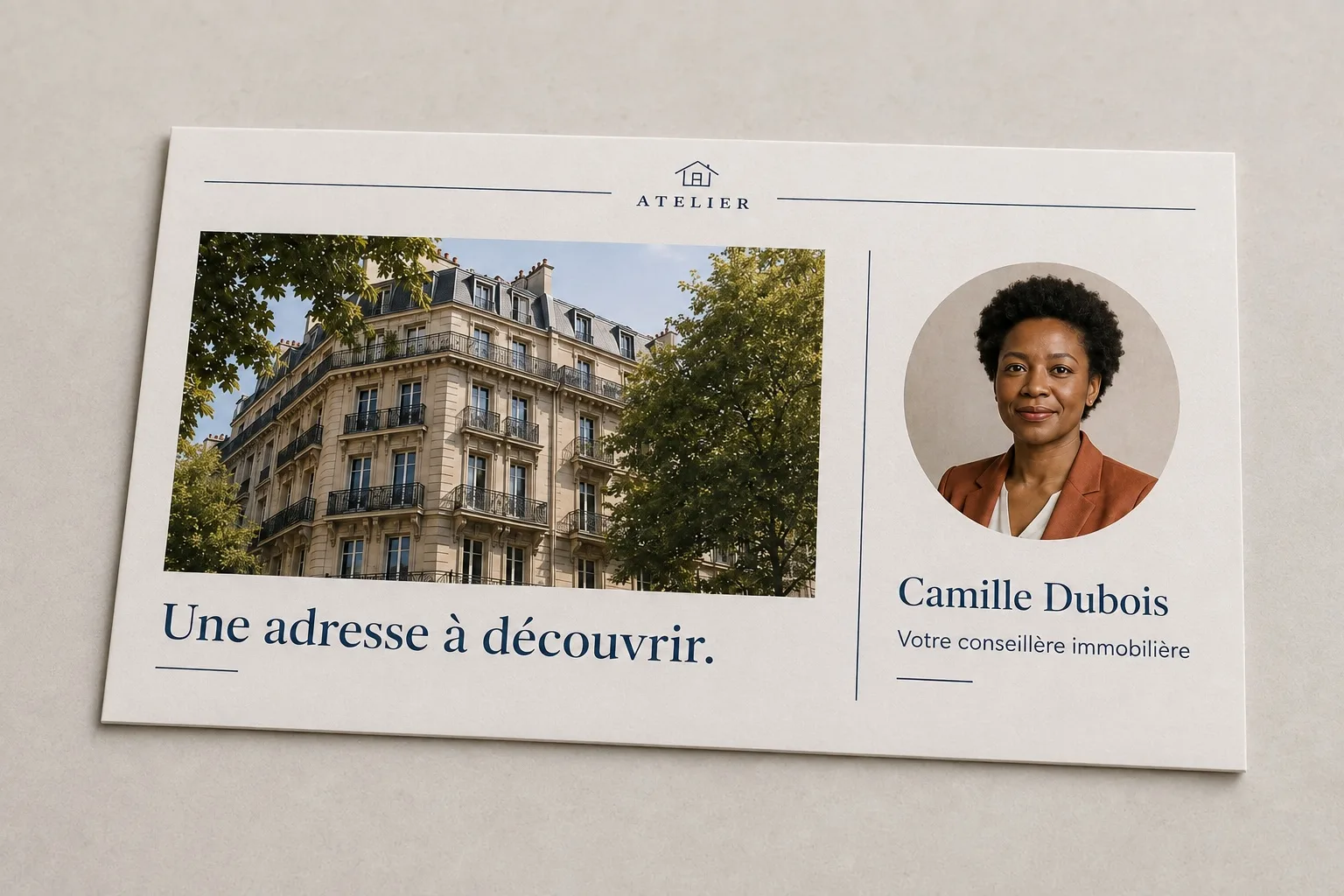
The result, as it appears in the email.
A preview prepared using your listing's photo.
For illustration only: no email is sent.
For illustration only: no email is sent.
An option already used in immosquare's real estate campaigns.
Demo content · fake brand and contact info
Perspective view
Your visuals follow
the layout of the surface.
A flat image becomes a box face or a brochure page. The four points of each area define its perspective. The setting stays that of your template.
One template, multiple independent zones.
Dotted lines connect each visual to its destination.
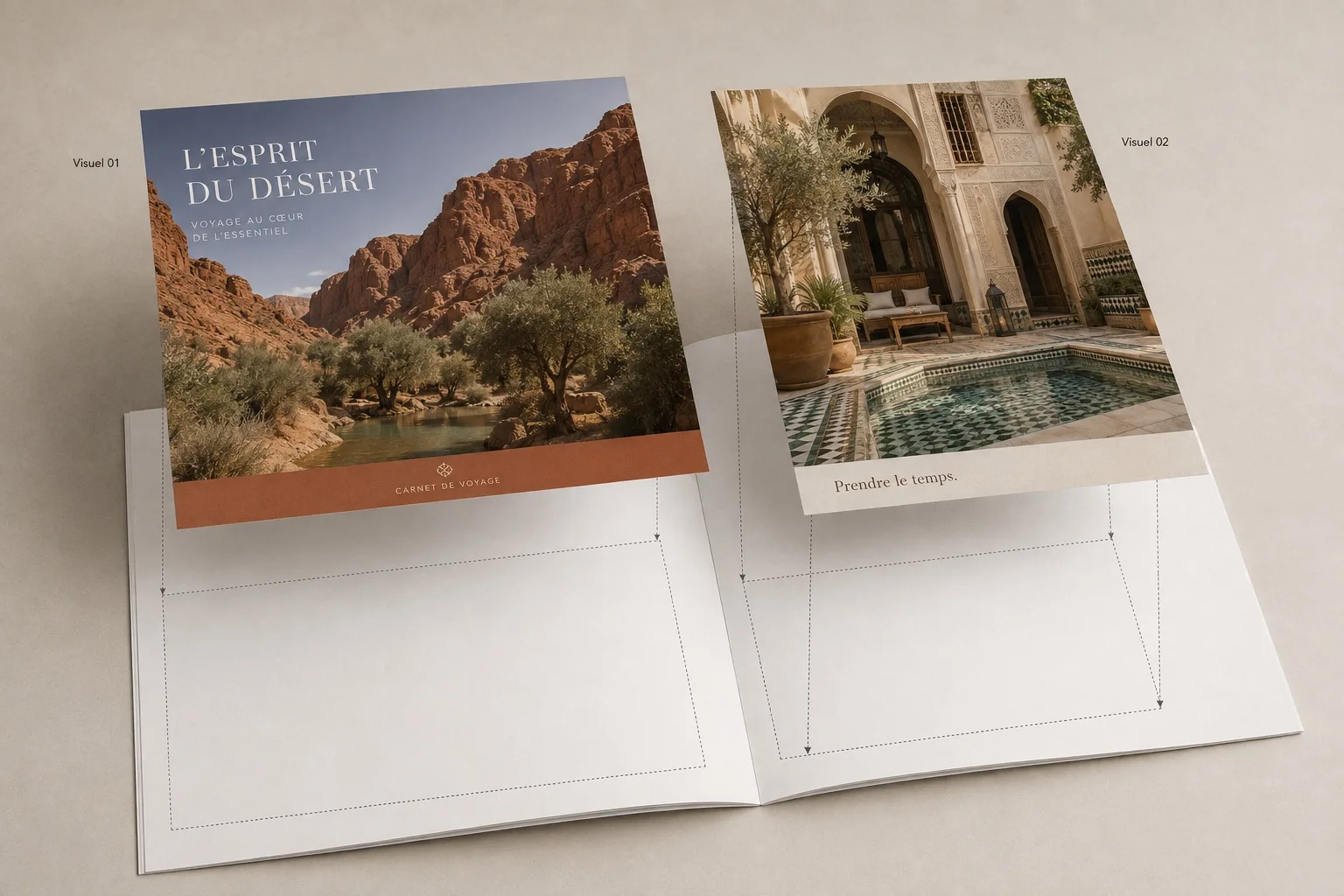
Print
Two pages. Two perspectives.
You provide the visual for each page. The engine transforms it into the corresponding area, keeping the scene composition as is.
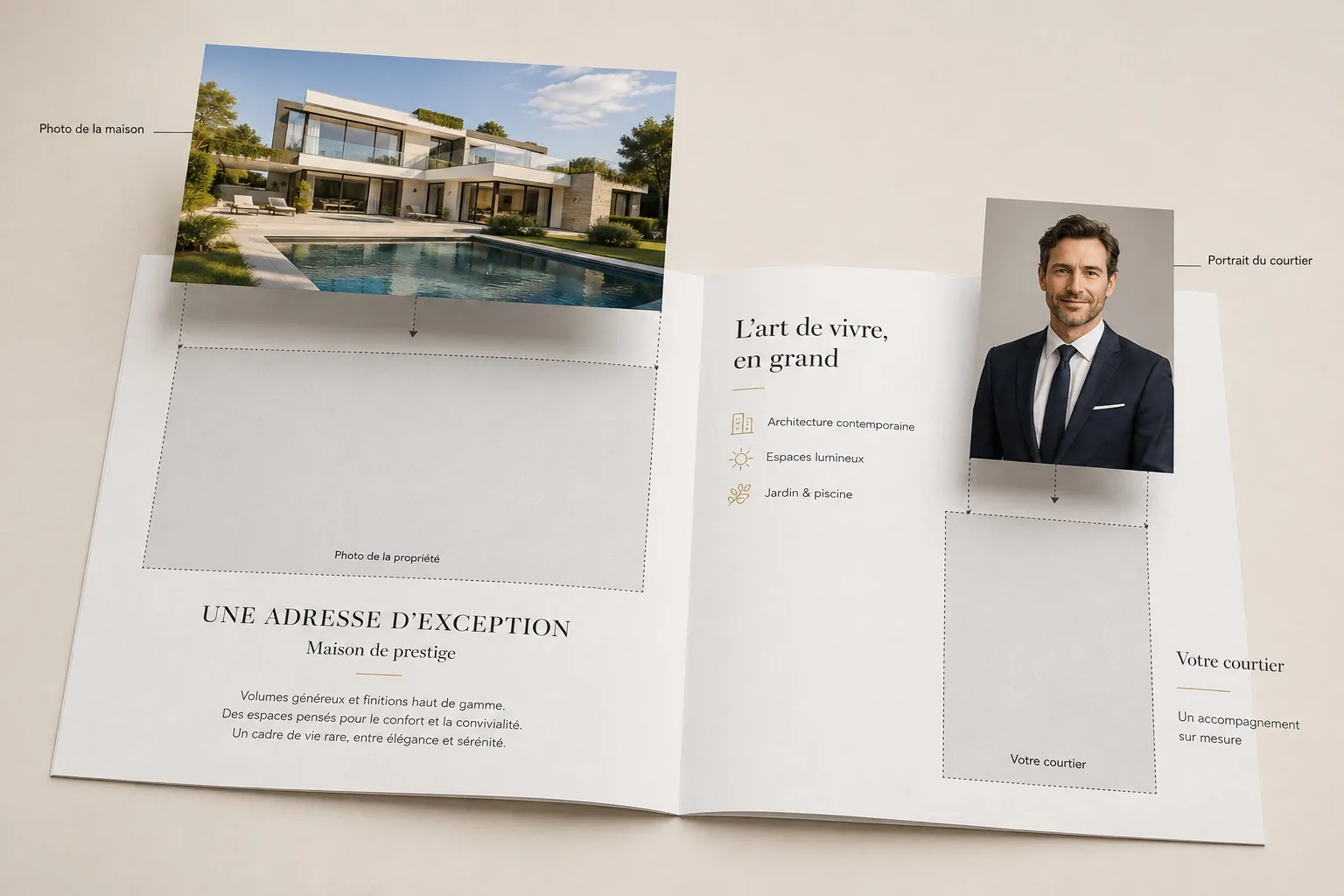
Personalization
A photo of the property. A portrait.
Each image is placed in its area in the brochure, matching the surface's perspective.
Sample illustrations · demonstration visuals generated without engine call.
Designed as a building block for apps
Graphic composition,
driven by your tools.
The back office hosts the templates. Your code picks the images and triggers the output. Each app can use the result in its workflow.
Chat with our team
Zones that match the template.
The engine computes a perspective transformation from the four points of each zone. Circular masks notably allow you to insert a portrait.
Your templates, manageable.
Manage scenes and their locations from the back office. Preview your designs and view generated outputs.
A previously created output is reused.
For the same combination of template and images, the engine returns the existing result.
Personalization stays on your side.
Your tools prepare the texts and designs. mockupgenerator receives the images and stages them.
An immosquare technology
Developed for our products.
Connected to real-world uses.
mockupgenerator was born out of our real estate app needs: present personalized templates, connect them to a shop, and display them in marketing campaigns.
Discover immosquare
From business data
to the finished product.
to the finished product.
The same team designs the rendering engine and the apps that use it.